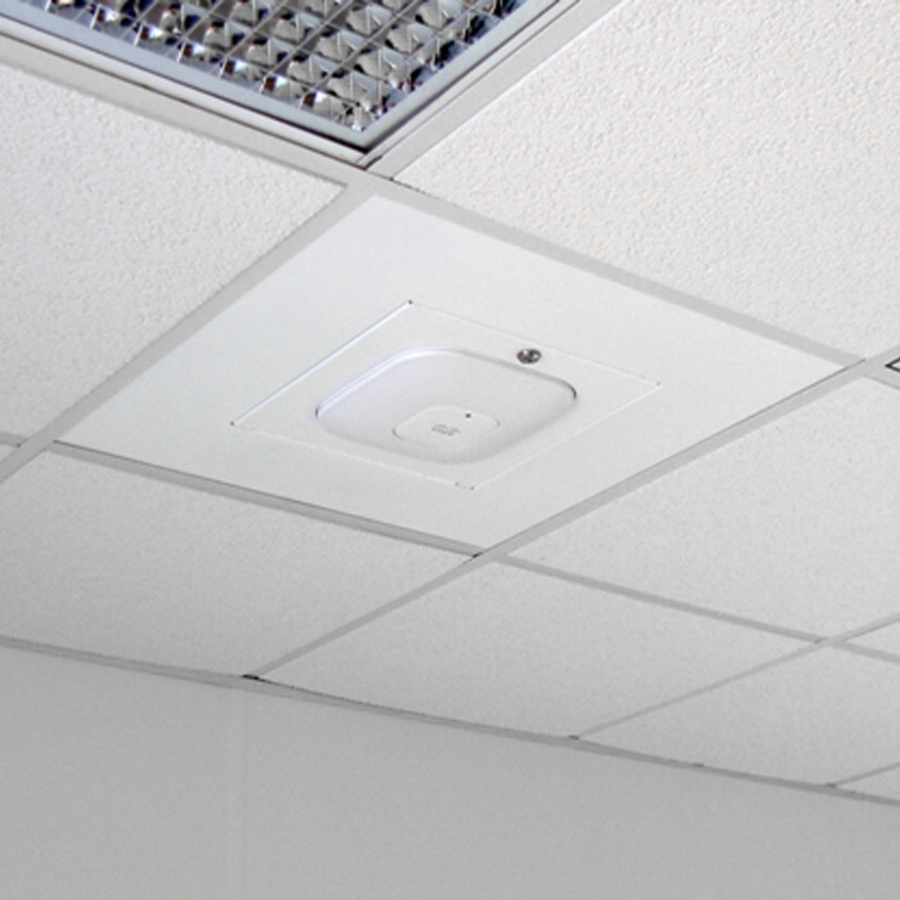
Why Small-Business Wi-Fi Keeps Failing and What a Reliable Network Looks Like
A slow or unreliable wireless network can quietly disrupt an entire business. Video calls freeze, cloud applications stop responding, printers disappear and employees waste time reconnecting devices or moving around the office looking for a stronger signal.
The internet provider often gets blamed first. Sometimes the connection is the problem, but many small-business Wi-Fi issues actually begin inside the building.
Reliable business Wi-Fi requires more than a fast internet plan and a powerful-looking router. It depends on proper access-point placement, a solid wired network, equipment designed for the number of connected devices and a plan for how business, guest and smart devices share the network.
Why Wi-Fi Problems Are Rarely Just an Internet Problem
Your internet connection and your internal network are related, but they are not the same thing.
The internet provider delivers a connection to your building. Your router, switches, cabling and wireless access points distribute that connection to computers, phones, printers, cameras and other equipment.
A fast internet connection cannot compensate for poor access-point placement, damaged cabling, overloaded equipment or an office network that was never designed for its current workload.
This is why upgrading to a faster internet plan does not always solve slow or unreliable Wi-Fi.
1. One Router Is Being Asked to Cover the Entire Business
Many small offices begin with the wireless router supplied by their internet provider. That may work when the company has a few people and a small number of devices.
The same router can struggle as the business grows.
A team of 15 people may easily have 40 or more connected devices once computers, phones, printers, televisions, cameras, tablets and other equipment are counted. Walls, floors, shelving, machinery and neighboring wireless networks can make the problem worse.
Business networks commonly need multiple properly positioned wireless access points rather than one router placed wherever the internet connection enters the building.
2. Coverage and Capacity Are Being Confused
A device showing several Wi-Fi bars does not necessarily mean the network is working well.
Coverage describes whether a signal reaches an area. Capacity describes whether the network can reliably support all the devices using it.
An access point may provide a strong signal in a conference room while still becoming overloaded during a meeting. A warehouse may appear to have coverage until employees begin using scanners, tablets and inventory systems at the same time.
A dependable network must account for both the physical space and the number and type of devices operating within it.
3. Access Points Are in the Wrong Locations
Wireless access points perform best when their placement is planned around the building instead of determined by the nearest convenient outlet.
Common placement problems include:
- Installing access points inside closets or equipment racks
- Placing them behind televisions, furniture or metal shelving
- Positioning every access point at one end of the building
- Using range extenders to work around poor placement
- Allowing neighboring access points to interfere with one another
- Ignoring walls, machinery and other physical obstructions
The strongest or most expensive access point cannot overcome every placement problem. In many cases, several carefully positioned access points running at appropriate power levels will perform better than one device broadcasting at maximum strength.
4. The Wired Foundation Is Inadequate
Good business Wi-Fi still depends heavily on wires.
Whenever practical, wireless access points should have a wired connection back to the network. This gives each access point a dependable path for carrying traffic and avoids the performance loss that can occur when wireless devices must relay traffic between one another.
The underlying network may include:
- Properly installed Ethernet cabling
- Managed or unmanaged network switches
- Power over Ethernet for access points and cameras
- A suitable firewall and router
- Organized patch panels and equipment racks
- Documented connections and labeled cables
Wireless mesh systems can be useful when installing cabling is genuinely impractical. However, they should not automatically replace a properly designed wired network in a permanent business location.
5. The Network Grew Without a Plan
Small-business networks often develop one device and one workaround at a time.
A new access point is installed when coverage becomes weak. An inexpensive switch is added when the office runs out of ports. A range extender appears in a back room. Cameras, printers and smart devices are connected wherever they happen to work.
Each individual decision may solve an immediate problem, but the result can become difficult to understand and support.
Warning signs of an unplanned network include:
- Multiple routers performing overlapping functions
- Several Wi-Fi network names with no clear purpose
- Unknown switches or cables
- Equipment that nobody has administrative access to
- Consumer devices mixed with business infrastructure
- Old equipment that remains connected after being replaced
- No record of passwords, settings or network ownership
A technical audit can identify what is connected, how traffic moves through the network and which parts of the system should be repaired, replaced or documented.
6. Every Device Is Sharing the Same Network
Computers, guest phones, printers, security cameras, payment devices and smart equipment do not always belong on the same network.
Separating different types of traffic can improve security, organization and troubleshooting. For example, guest devices may need internet access without being able to communicate with company computers or printers.
Depending on the business, a network may include separate connections for:
- Employees and company-owned devices
- Guests
- Security cameras
- Voice-over-IP phones
- Point-of-sale or payment systems
- Smart televisions and other connected equipment
- Building or industrial devices
This separation may be implemented with additional wireless networks, VLANs, firewall rules and properly configured managed switches.
The goal is not complexity for its own sake. The goal is to give each category of device the access it needs without exposing the rest of the business unnecessarily.
7. Nobody Can See What Is Happening
A network is harder to support when there is no monitoring, documentation or central management.
Without visibility, every Wi-Fi complaint becomes an isolated mystery. It may be unclear whether the problem involves the internet connection, an access point, a cable, a switch, a particular device or the application being used.
Managed networking equipment can provide useful information about:
- Connected devices
- Access-point utilization
- Signal strength and connection quality
- Internet outages
- Switch ports and wired connections
- Equipment health
- Repeated connection failures
- Unusual or unexpected devices
Monitoring does not prevent every problem, but it can make recurring failures much easier to diagnose.
What a Reliable Small-Business Network Looks Like
There is no single collection of equipment that is correct for every business. A small professional office, warehouse, retail store and production environment may have very different requirements.
A well-designed small-business network generally includes:
- Internet service appropriate for the organization’s workload
- A properly configured firewall and router
- Reliable switching with adequate capacity
- Wired connections for fixed equipment whenever practical
- Carefully placed wireless access points
- Separate guest or device networks where appropriate
- Secure administrative access
- Current firmware and security updates
- Backup copies of important configurations
- Clear equipment and cabling documentation
- A plan for monitoring, maintenance and future growth
The network should also be understandable. A business should know who owns its equipment, who has administrative access and where important settings are documented.
Questions to Ask Before Buying More Wi-Fi Equipment
Before adding another router, extender or access point, consider these questions:
- Does the problem affect the internet connection, the internal network or one particular application?
- Does it occur throughout the building or only in certain areas?
- Does it become worse when more employees or devices are active?
- Are the existing access points connected by Ethernet?
- Are access points positioned for useful coverage?
- Is the current router or firewall appropriate for the number of users and devices?
- Are guest, camera and business devices separated?
- Is the existing equipment centrally managed and documented?
- Are there old or unknown devices still connected?
- Will the proposed change improve the underlying design or only hide the current symptom?
Answering these questions can prevent a business from spending more money on equipment that does not address the actual cause.
When a Network Assessment Makes Sense
A network assessment is useful when wireless problems keep returning, a company is moving or expanding, nobody understands the existing equipment or the network has grown through years of temporary fixes.
The assessment can include reviewing internet service, access points, switches, firewall configuration, cabling, equipment ownership, connected devices and security practices.
From there, improvements can be prioritized. Some businesses may only need better access-point placement or corrected configuration. Others may benefit from new cabling, managed switches, additional access points or a more complete network redesign.
The objective is not to replace everything. It is to create a network that is dependable, understandable and appropriate for the way the business actually operates.
If your office has unreliable Wi-Fi, disappearing printers, unknown network equipment or recurring connectivity problems, Info Hazard Solutions can assess the system and recommend a practical path forward.